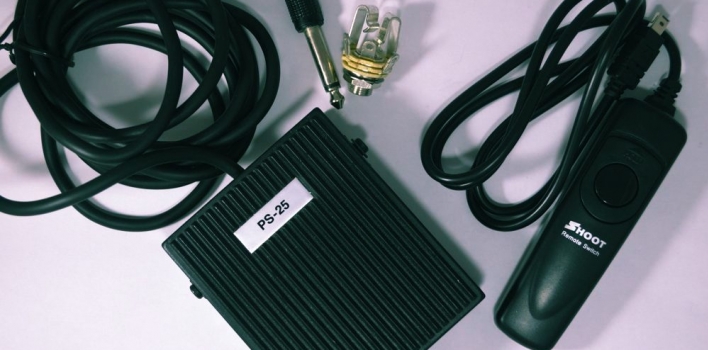
Tutorial authors know that very often would be useful to have a third hand to be able to take pictures while hands are busy. As a workaround I created for my Nikon D5100 digital SLR camera a foot pedal.
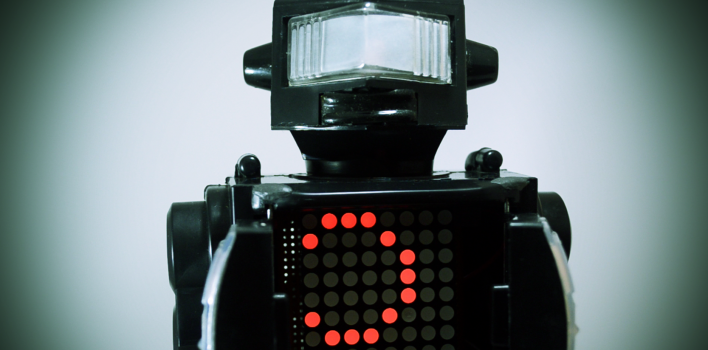
A few months ago I bought a toy robot and I wanted to recycle it in some way. I decided to use it as a “container” for a small project with Arduino. Basically when I change a string in a feed of my Pachube account Arduino with Ethernet Shield detects the change, plays the classic tune of “Close Encounters of the Third Kind,” opens the doors thanks to two servo motors and displays the scrolling message on an 8×8 LED matrix, then closes his flaps and waits for a new change.
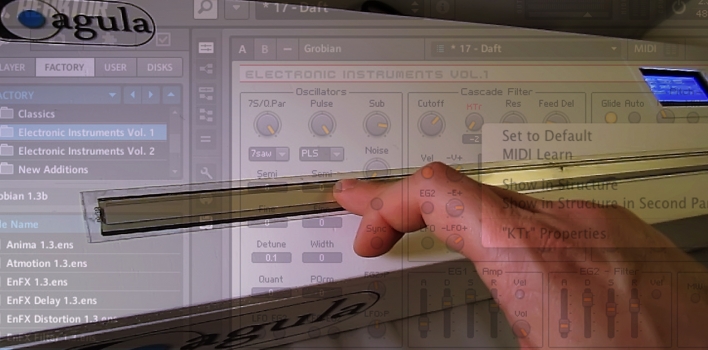
A few months ago I published a post on how to make a MIDI Ribbon Controller withArduino. In the meantime I had a few ideas to improve both hardware and software and also felt the need to change many parameters without having toreprogram every time Arduino. Finally I placed the controller in a case, thanks to Laurawho built it. So this is version 2.0 of my MIDI Ribbon Controller, which finally becomes a much more practical tool.
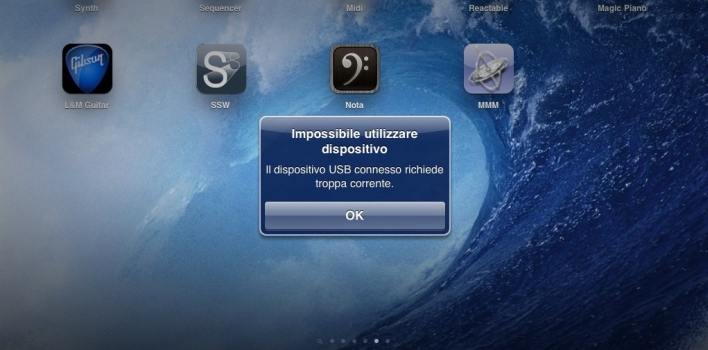
Apple offers for the iPad the “Camera Connection Kit”, a double connector for SD cards and cameras . But many have discovered that you can connect other devices such as wireless keyboards, MIDI instruments and audio interfaces. It should be noted that when you attach a wireless dongle for keyboard and mouse iPad warns “can not use the device – USB device connected is not supported. ”
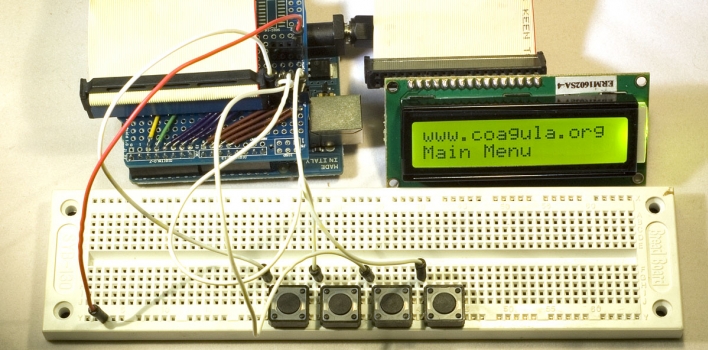
Working on my MIDI ribbon controller I needed to implement a menu to easily configure several parameters, but I found information on how to handle a menu, how to manage an LCD display, but very poor info on how to combine the two things. However, thanks to Alexander Brevig Menubackend library I managed to create the menu I wanted.
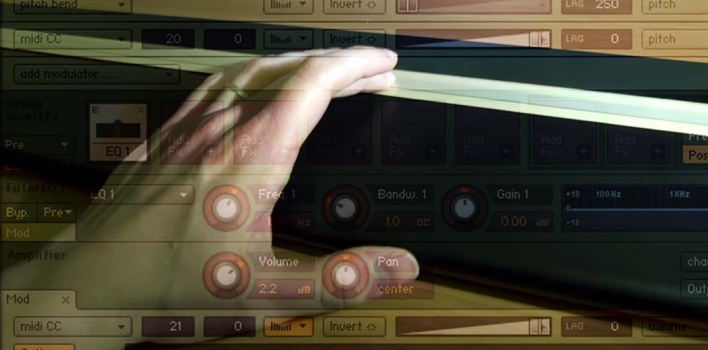
There are many professional MIDI controller out there: keyboards, drum pads, mixer, pedals, etc. One type of controller that interests me most is the ribbon controller because I wanna try to emulate with the software plugins what can be done with instruments such as the Ondes Martenot. I think that this type of controller fits very wellto control virtual instruments such as strings and horns, as it is characterized by aposition and pressure sensitive ribbon, so you can control in a very intuitive way thenotes pitch and velocity . I decided to do a MIDI ribbon controller using Arduino.
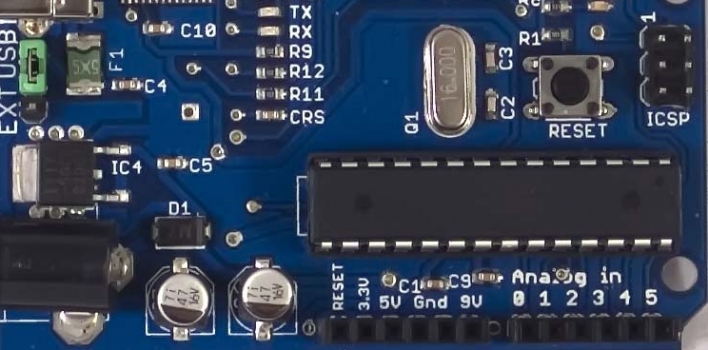
Recently I needed to configure the Arduino midilibrary on my Mac running OS X Snow Leopard 10.6.5. Despite the excellent documentation found on Arduino.cc I struggled a bit to find the exact procedure to install an external library in the IDE. So I thought I’d publish this post to help those who will be similar troubles.
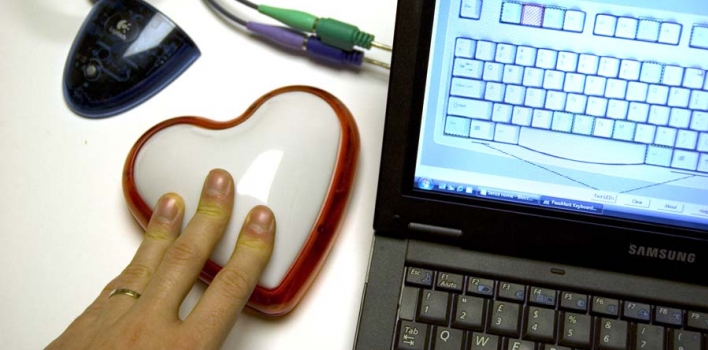
Some time ago, me and Laura needed to develop a software that enabled a user to indicate the completion of a repetitive action pushing a button every 5-10 minutes. The operator generally worked a couple of meters from his computer and each time he had to get close and press F2. Unfortunately there was no chance for placing a wireless keyboard closer to the operator because he is not sitting, so we thought to use a big wireless button to hang by the wall. Looking around I have not found any ready-made solutions, so I decided to modify an old wireless keyboard (unused […]
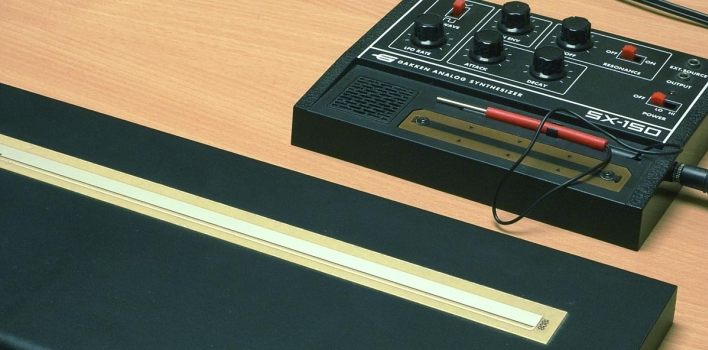
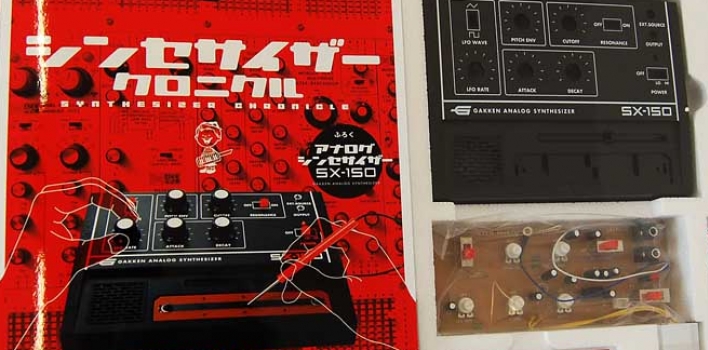
In another post I wrote about the Gakken SX-150, now I explain how I created a “giant” controller (50cm) for this mini synthesizer, but in order to make this change I had to first understand a little more about the original control system. The strip on the Gakken SX-150 is simply a resistor of about 75 Kilohom. Looking at the schematics I found on the Matrixsynth blog I could think for an alternative to the control system of Gakken. I used a sensor called Spectrasymbol Softpot parallel to the standard sensor. This sensor is available in various lengths, I bought the 50cm long (the maximum available).
Utilizzando il sito, accetti l'utilizzo dei cookie da parte nostra. maggiori informazioni
Questo sito web utilizza Google Analytics, un servizio di analisi web fornito da Google, Inc. ("Google"). Google Analytics utilizza dei "cookies", che sono file di testo che vengono depositati sul Vostro computer per consentire al sito web di analizzare come gli utenti utilizzano il sito. Le informazioni generate dal cookie sull'utilizzo del sito web da parte Vostra (compreso il Vostro indirizzo IP) verranno trasmesse a, e depositate presso i server di Google negli Stati Uniti. Google utilizzerà queste informazioni allo scopo di tracciare e esaminare il Vostro utilizzo del sito web, compilare report sulle attività del sito web per gli operatori del sito web e fornire altri servizi relativi alle attività del sito web e all'utilizzo di Internet. Google può anche trasferire queste informazioni a terzi ove ciò sia imposto dalla legge o laddove tali terzi trattino le suddette informazioni per conto di Google. Google non assocerà il vostro indirizzo IP a nessun altro dato posseduto da Google. Potete rifiutarvi di usare i cookies selezionando l'impostazione appropriata sul vostro browser. Utilizzando il presente sito web, voi acconsentite al trattamento dei Vostri dati da parte di Google per le modalità e i fini sopraindicati.
Inoltre questo sito utilizza Google Adsense come sistema di pubblicità per supportare le spese di manutenzione. Google Adsense è un servizio fornito da Google Inc. e utilizza cookie per pubblicare annunci sulla base delle precedenti visite dell'utente al nostro sito web. Google Adsense utilizza anche cookie DART per consentire a Google e ai suoi partner di pubblicare annunci in base alle visite di questo sito e di altri siti Internet. Per saperne di più e per disattivare tali cookie per gli annunci pubblicitari potete visitare la pagina per la disattivazione delle pubblicità di Google oppure potete visitare http://www.aboutads.info/choices/ per disattivare le pubblicità di Google e di altri fornitori. Utilizzando il presente sito web, voi acconsentite al trattamento dei Vostri dati da parte di Google per le modalità e i fini sopraindicati.
English:
This website use Google Analytics service which use "cookies" to analyze your browsing activity on this site. The generated data including your ip address are sended and stored on Google servers in the United States. Google use these data to track and analise you site usage, generating reports about your activities on the web site for the site administrators. Google could transfer these data to other entities. Google does not associate your ip addres to other personal data. You can avoid to use cookies selecting the appropriate option on your web browser.
In addition, this site uses Google Adsense as an advertising system to support maintenance costs. Google Adsense is a service provided by Google Inc. that uses cookies to serve ads based on user's previous visits to our website. Google Adsense also uses DART cookies to enable Google and its partners to serve ads based on visits to this website and other websites. To learn more and to disable these cookies for advertising please visit the page to disable Google ads or visit http://www.aboutads.info/choices/ to disable the ads on Google and other vendors.
By using this website, you consent to the processing of data about you by Google in the manner and for the purposes set out above.